
llms.txt generator
Enter your domain and Leadee reads your sitemap, picks your key pages and drafts an llms.txt (and optional llms-full.txt) in the llmstxt.org format, using your own titles and descriptions — no AI rewriting. Validate any existing file in the second tab.
Updated
- No email needed
- Free, no sign-up
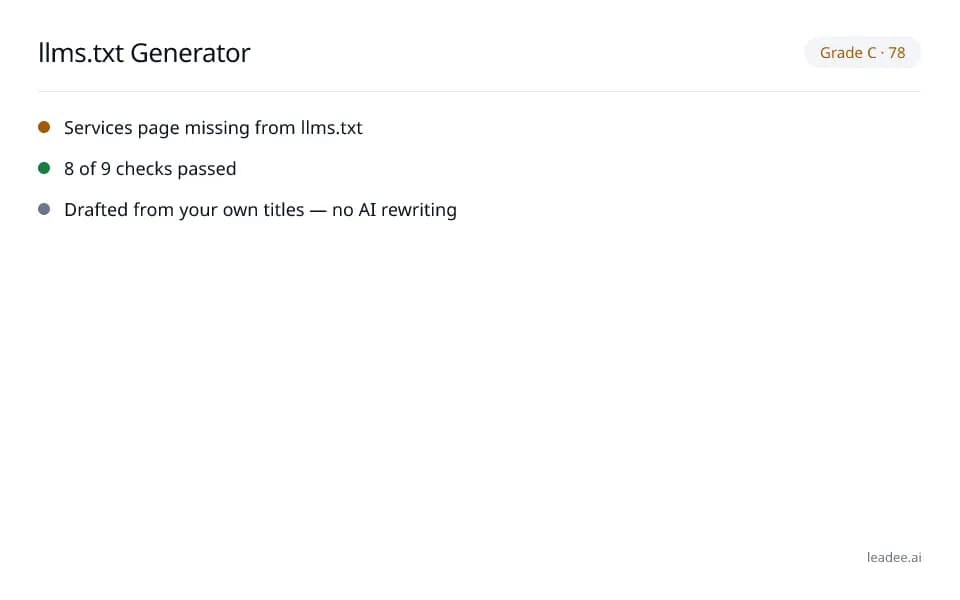
Example result
Run it now
At a glance
- 5 items
- What it checks
- 6
- Questions answered
- No email needed
- To get a result
- Can AI read my site?
- Answers
What does a result look like?
Grade C · 78
- Services page missing from llms.txt
- 8 of 9 checks passed
- Drafted from your own titles — no AI rewriting
Sample from a real run, 14 Nov 2026.
How is llms.txt different from robots.txt and sitemap.xml?
Three different files with three different jobs — most sites need all three.
robots.txt
Which crawlers may fetch what. Lives at the root of the domain, a text file with Allow/Disallow rules.
sitemap.xml
Every indexable URL, for search engines. Lives at the root (or declared in robots.txt), XML.
llms.txt
A curated list of your key pages, for AI agents that choose to read it. Lives at the root of the domain, Markdown-like text (llmstxt.org).
Where do I put llms.txt, by platform?
It must be reachable at https://yourdomain.com/llms.txt — checked against each platform’s current docs; where a platform does not support a root-level file, that is stated directly rather than papered over.
WordPress
A static-file or SEO plugin that supports a root-level file, or an .htaccess rewrite — check your host's file manager.
Shopify
Shopify does not allow arbitrary root-level files; use a Shopify app that serves one, or a proxy at your CDN.
Wix
Not supported at the domain root today — check Wix's current docs before assuming it works.
Webflow
Webflow's custom-code slots do not cover root-level files; a redirect rule to a hosted file is the common workaround.
nginx / Apache / Cloudflare
Drop llms.txt in your web root (nginx/Apache) or add a Cloudflare Worker/Page rule that serves it.
How do I read and fix the result?
A page landing in "Pages we picked and why" with a weak reason (for example, only found via navigation, not the sitemap) is worth checking by hand before you publish — the generator explains its own reasoning so you can override it.
Enter your domain in the Generate tab.
Leadee discovers your pages from your sitemap (or navigation if there is no sitemap) and groups them by section.
Review "Pages we picked and why", add or remove pages, then copy or download llms.txt (and llms-full.txt if you need it).
Publish it at https://yourdomain.com/llms.txt — the platform guide on the page shows where for WordPress, Shopify, Wix, Webflow and nginx/Apache.
Switch to the Validate tab any time to check an existing llms.txt by URL or pasted content.
Who is it for?

Manufacturers
Product and spec pages AI engines need to parse correctly.

Professional services firms
Service pages that need clear Organization and entity markup.

B2B suppliers
Catalogue and partner pages AI crawlers must be able to read.
What are the limits?
What are the limits?
No major AI engine has publicly confirmed it reads llms.txt for ranking or answers — this is a cheap, no-rewriting file (your own titles and descriptions only), not a guaranteed visibility gain.
Questions
Do ChatGPT, Claude or Perplexity actually read llms.txt?
llms.txt is a proposal from llmstxt.org (https://llmstxt.org/), not a confirmed standard — no major AI engine has publicly confirmed it uses the file for ranking or answers, and Google's own AI optimization guide states Google Search ignores it (https://developers.google.com/search/docs/fundamentals/ai-optimization-guide). It is cheap to add and does help the AI tools and agents that do read it, which is why Leadee generates one for free rather than promising it will change your AI visibility.
Where do I put the file?
At the root of your domain: https://yourdomain.com/llms.txt. The result page shows exact steps for WordPress, Shopify, Wix, Webflow and nginx/Apache — platforms that do not allow a root-level file are called out directly.
What is llms-full.txt?
An optional companion file with the full main-text content of your key pages (up to 30 pages / 500 KB), in case an AI agent wants more than the link-and-description list in llms.txt — generated with the same no-rewriting rule: your own words, not AI-written summaries.
Does llms.txt replace robots.txt?
No — robots.txt controls crawler access (who may fetch what); llms.txt is a curated reading list for AI agents that choose to use it. You need both: robots.txt to allow or block AI crawlers (see the robots.txt tester), llms.txt to point them at your most important pages.
How often should I update it?
Whenever your key pages change — new products, services or a site restructure. Re-run the generator and republish, or create a free account so Leadee checks it weekly and flags broken links or newly-missing pages.
Can I block AI crawlers with llms.txt?
No — llms.txt cannot block anything, it only lists pages. To block an AI crawler, use robots.txt's Disallow rules for that bot's user agent (see the robots.txt tester, or the AI crawlability check).
Can GEO guarantee results?
No. AI answer engines change their output frequently, and no vendor — including Leadee — can guarantee a ranking or a mention. Leadee publishes confidence intervals on every metric so you can see how much a result can vary run to run.
How does Leadee measure AI visibility?
Leadee runs your prompt set against each AI engine on a weekly to daily schedule, depending on plan, through official vendor APIs (OpenAI, Gemini, Perplexity, Anthropic, DataForSEO) — never by scraping consumer chat interfaces — and reports mention rate, citation rate, average position, share of voice and sentiment with a 95% confidence interval.
Who do I talk to?
Email support@leadee.ai or use Talk to an expert at https://leadee.ai/contact-sales — the Netbase JSC team behind Leadee replies by email or WhatsApp — or WhatsApp the CEO directly at https://wa.me/84937869689.
Related
 Free tool
s
 Free tool
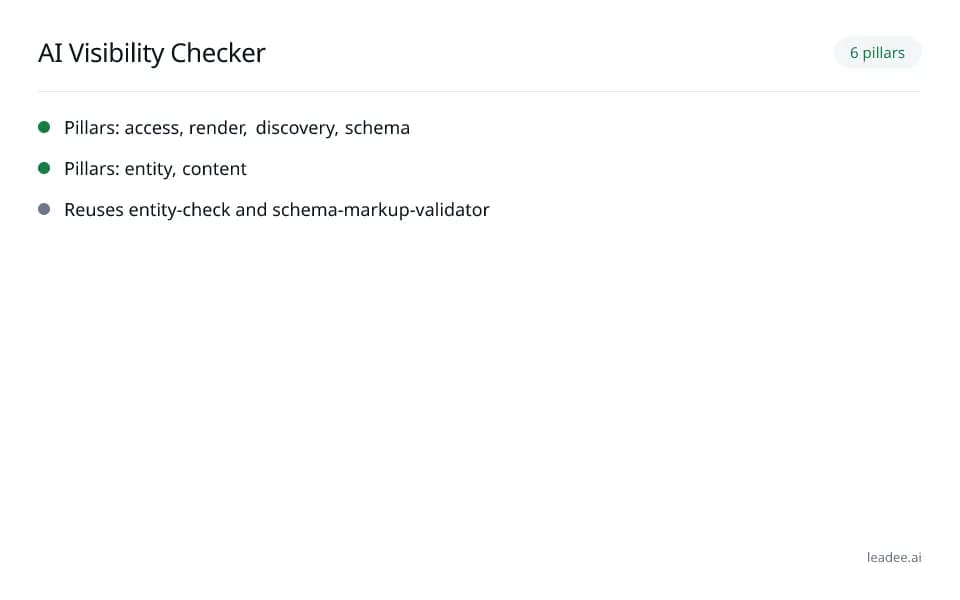
AI visibility checker
 Free tool
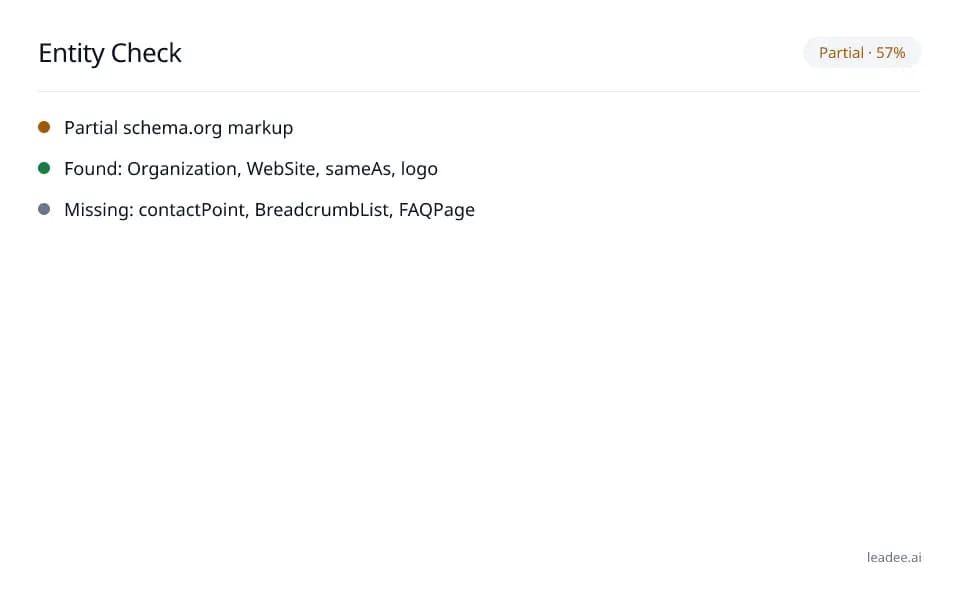
Entity check
 Platform guide
llms.txt: What It Does and Does Not Do
 Service
Pricing
 Proof & trust
Methodology
Keep llms.txt current as your site grows.
Leadee tracks your llms.txt alongside the rest of your AI visibility and flags it when a page goes missing.