
Schema markup generator
Pick a type and Leadee turns a short form into ready-to-paste JSON-LD for your Organization, LocalBusiness, Product, FAQ, Article and 7 more types, checked live against schema.org and Google's rich result rules, so you can copy it straight into your site's head with no sign-up required.
Updated
- No email needed
- Free, no sign-up
Example result
Run it now
JSON-LD
Pick a type on the left to start.
At a glance
- 5 items
- What it checks
- 7
- Questions answered
- No email needed
- To get a result
- Can AI read my site?
- Answers
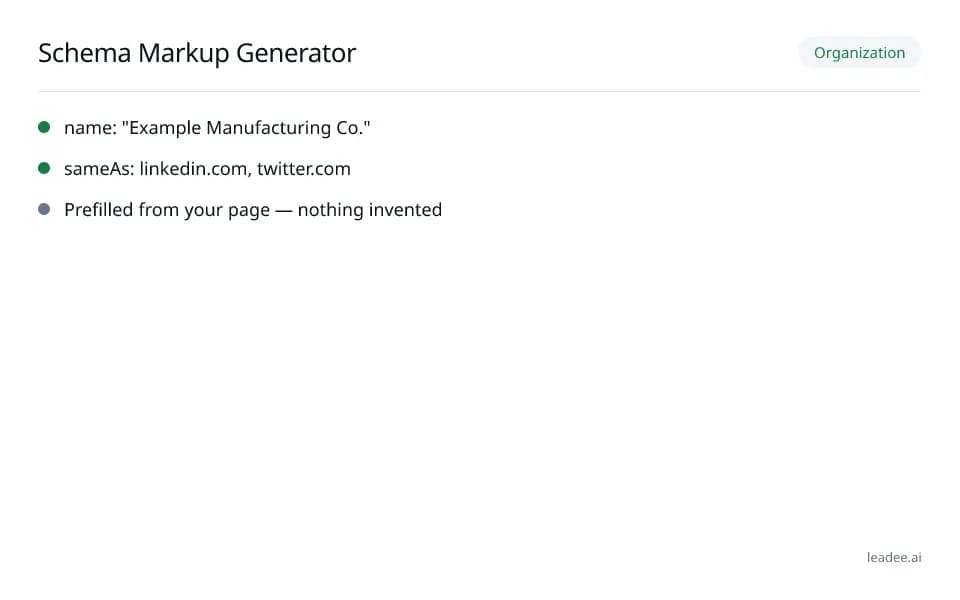
What does a result look like?
Organization
- name: "Example Manufacturing Co."
- sameAs: linkedin.com, twitter.com
- Prefilled from your page — nothing invented
Sample from a real run, 14 Nov 2026.
Which 12 schema types can I generate?
Pick the type that matches the page — combine several with @graph when a page covers more than one (e.g. a Product page that is also part of your Organization).
Organization
Manufacturer, distributor, agency — any company-level page — Rich result.
Local business
Clinic, shop, local service provider with a physical address or service area — Rich result.
Product
Manufacturer or distributor with a catalog page for one SKU — Rich result.
Service
B2B service provider, agency, professional or local service without a per-product page — Helps AI understanding.
FAQ page
Any page with a visible Q&A section — Limited.
HowTo
Step-by-step install/setup/repair guide — Limited.
Article
Blog post, press release, news update — Rich result.
Breadcrumb list
Any page with a visible breadcrumb trail — Rich result.
Software application
SaaS product, downloadable app, browser extension — Rich result.
Event
Trade show, webinar, in-person training session — Rich result.
Person
Founder, consultant or author bio page — Helps AI understanding.
WebSite
Every site should carry one, on the homepage — Helps AI understanding.
How do I read and fix the result?
Fill in every required field first — the live validation catches a wrong date, currency or phone format as you type; add the recommended fields next since those are what unlock more rich-result features.
Pick a schema.org type (Organization, LocalBusiness, Product, FAQ and 8 more).
Optionally prefill the form from an existing page — Leadee reads what is already there, it never guesses.
Fill in the required and recommended fields; each is checked live (URL, date, currency, phone format).
Add another type to combine them into one @graph (one JSON-LD block holding several linked entities) with linked @id references — a shared ID so, for example, a Product can point to the Organization that makes it.
Copy the JSON-LD, or validate it first in one click, then paste it into your site's <head>.
Who is it for?

Manufacturers
Product and spec pages AI engines need to parse correctly.

Professional services firms
Service pages that need clear Organization and entity markup.

B2B suppliers
Catalogue and partner pages AI crawlers must be able to read.
What are the limits?
What are the limits?
"Prefill from URL" only fills in what is already visibly on your page — it never invents a value, so some fields will still need to be filled in by hand.
Questions
Which schema type should a manufacturer use?
Start with Organization on your homepage (name, logo, sameAs), then Product for each product line with a real Offer, and Service for anything sold as a service rather than a physical item — combine them into one @graph (one JSON-LD block holding several linked entities) so they share one Organization @id (a shared reference ID linking the entities together).
Does Google still show FAQ rich results?
No — Google removed the FAQ rich result from Search entirely starting May 7, 2026, after years of restricting it to a narrow set of government and health sites (https://developers.google.com/search/docs/appearance/structured-data/faqpage). FAQPage schema still helps AI engines understand your Q&A content, which is why the generator keeps it.
JSON-LD or microdata?
JSON-LD — it is what this generator outputs, what Google recommends (https://developers.google.com/search/docs/appearance/structured-data/sd-policies), and the easiest to maintain since it lives in one script tag separate from your visible HTML.
Where do I paste it?
Inside your page's <head>: WordPress (your SEO plugin's custom-schema box, or a custom HTML block), Shopify (theme.liquid before </head>), Wix (Custom code under SEO settings) or Webflow (page settings -> Custom code).
Can I generate schema from my existing page?
Yes — "Prefill from URL" reads the name, logo, address, phone and social links already on your page (from its existing schema, meta tags or footer) and fills the form; it never invents a value that is not actually there.
Will schema help me appear in ChatGPT or AI Overviews?
It makes your entities easier for AI engines to parse correctly, which is a precondition for being cited accurately — but no schema markup can guarantee a mention. Pair it with the AI visibility checker to see your broader readiness.
Can I check the JSON-LD I just generated?
Yes — click Validate to run it through the Schema Markup Validator's paste mode without leaving the page.
Can GEO guarantee results?
No. AI answer engines change their output frequently, and no vendor — including Leadee — can guarantee a ranking or a mention. Leadee publishes confidence intervals on every metric so you can see how much a result can vary run to run.
How does Leadee measure AI visibility?
Leadee runs your prompt set against each AI engine on a weekly to daily schedule, depending on plan, through official vendor APIs (OpenAI, Gemini, Perplexity, Anthropic, DataForSEO) — never by scraping consumer chat interfaces — and reports mention rate, citation rate, average position, share of voice and sentiment with a 95% confidence interval.
Who do I talk to?
Email support@leadee.ai or use Talk to an expert at https://leadee.ai/contact-sales — the Netbase JSC team behind Leadee replies by email or WhatsApp — or WhatsApp the CEO directly at https://wa.me/84937869689.
Related
 Free tool
s
 Free tool
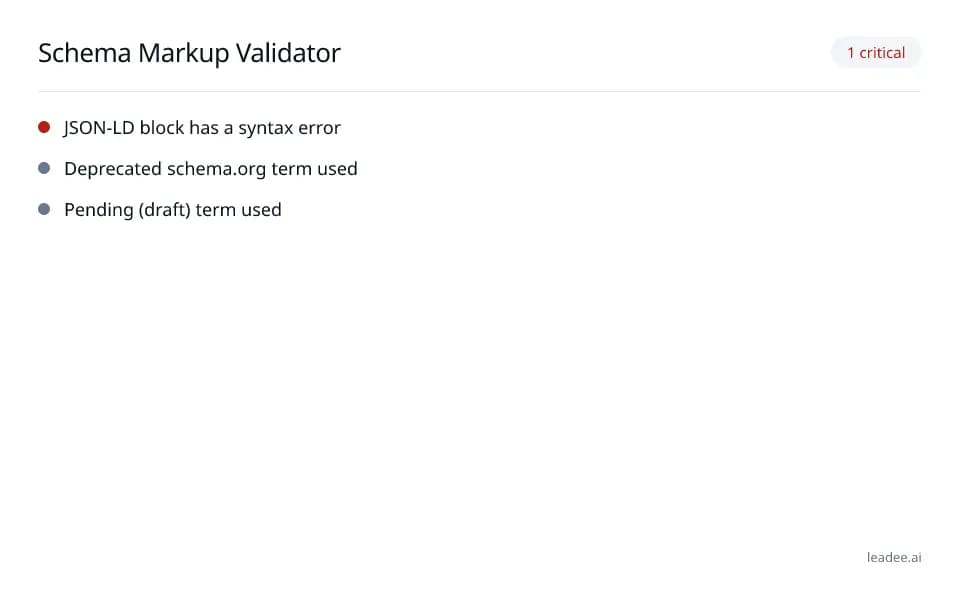
Schema markup validator
 Free tool
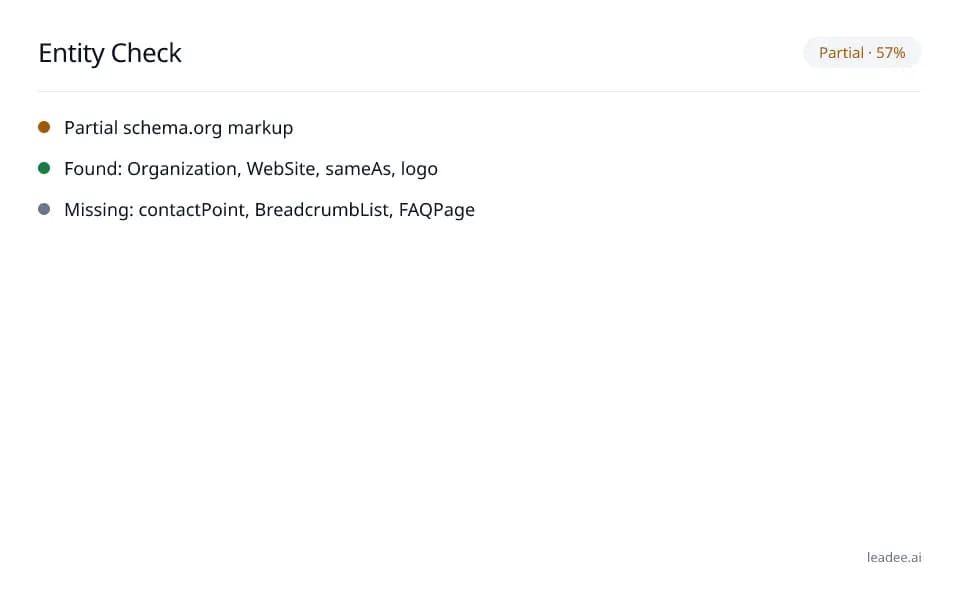
Entity check
 Free tool
Schema Markup for B2B Sites
 Service
Pricing
 Proof & trust
Methodology
Keep this markup correct as your site changes.
Leadee tracks your markup alongside the rest of your AI visibility and flags it when something breaks.