
ChatGPT robots.txt generator
Pick a preset — allow ChatGPT's search/answer bots but block its training bot, block all three, or allow all three — and Leadee writes the User-agent rules for OAI-SearchBot, ChatGPT-User and GPTBot only, leaving every other rule already in your file untouched. Not affiliated with or endorsed by OpenAI.
Updated
- No email needed
- Free, no sign-up
Allow search, block training
- OAI-SearchBot: Allow /
- ChatGPT-User: Allow /
- GPTBot: Disallow /
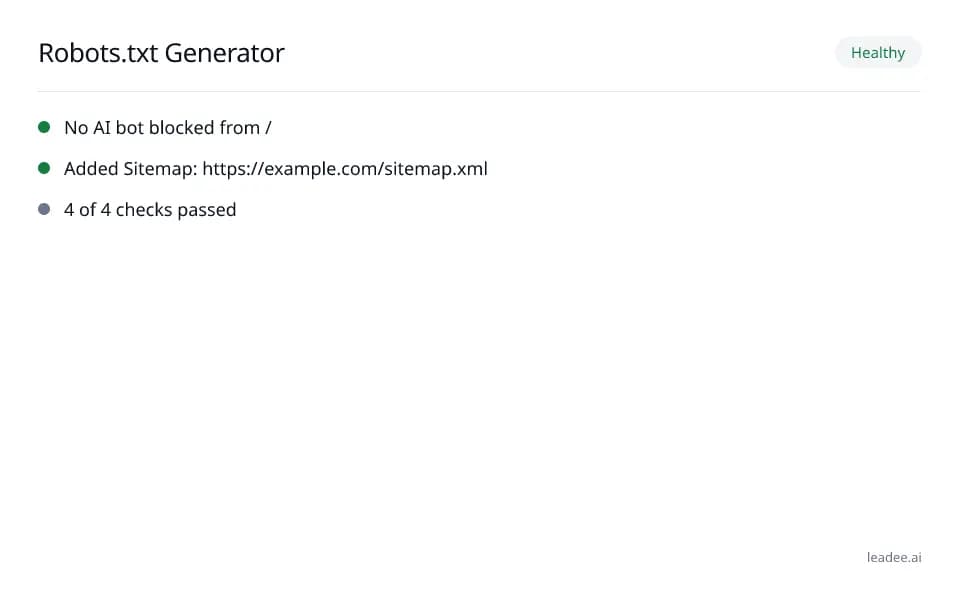
Example result
Run it now
Leadee is not affiliated with, endorsed by, or sponsored by OpenAI. “ChatGPT”, “GPTBot” and the other names on this page are OpenAI's own, used only to describe what this tool measures.
At a glance
- 3 items
- What it checks
- 4
- Questions answered
- No email needed
- To get a result
- Can AI read my site?
- Answers
What does it check?
robots.txt User-agent rules for
robots.txt User-agent rules for OAI-SearchBot, ChatGPT-User and GPTBot only
What each preset choice means for each of
What each preset choice means for each of the three bots
Every other rule already in your file
Every other rule already in your file (Claude, Perplexity, Google-Extended, Googlebot...), kept untouched
What does a result look like?
Allow search, block training
- OAI-SearchBot: Allow /
- ChatGPT-User: Allow /
- GPTBot: Disallow /
Sample from a real run, 10 Nov 2026.
How do I read and fix the result?
OAI-SearchBot and ChatGPT-User decide whether ChatGPT can surface or fetch your pages right now; GPTBot only affects whether a future model trains on your content, not any live answer — most sites allow the first two and treat GPTBot as a separate policy choice (OpenAI documents the three separately at developers.openai.com/api/docs/bots).
Optionally enter your site's URL (or paste your current robots.txt) so your existing rules are preserved.
Pick a preset: allow ChatGPT search/user-fetch and block its training bot, block all three, or allow all three.
Read what each preset means for OAI-SearchBot, ChatGPT-User and GPTBot specifically.
Review the generated file and diff, then copy or download it to publish.
Who is it for?

Manufacturers
Product and spec pages AI engines need to parse correctly.

Professional services firms
Service pages that need clear Organization and entity markup.

B2B suppliers
Catalogue and partner pages AI crawlers must be able to read.
What are the limits?
What are the limits?
This only writes rules for OpenAI's three documented bots — any other AI bot's existing rule (Claude, Perplexity, Google-Extended) is preserved exactly as it was, not regenerated; use the general Robots.txt Generator to set every AI bot at once in one file.
Questions
Is this tool affiliated with or endorsed by OpenAI?
No. Leadee is not affiliated with, endorsed by, or sponsored by OpenAI. OAI-SearchBot, ChatGPT-User and GPTBot are OpenAI's own bot names, documented at developers.openai.com/api/docs/bots.
Why only these three bots, not every AI bot?
This page is scoped to OpenAI's three documented bots so the choice is simple: allow or block ChatGPT specifically. The general Robots.txt Generator writes rules for every AI bot Leadee tracks (Claude, Perplexity, Google-Extended and more) in one file — use that if you want to set them all at once.
Does blocking GPTBot stop ChatGPT from answering with my content?
No — GPTBot only trains future models; it is never the bot that fetches a page while answering a live ChatGPT question. Blocking it is a training-data opt-out, not a visibility change. OAI-SearchBot and ChatGPT-User are the two bots that matter for being read and cited in a live answer.
Will this touch rules I already have for other bots?
No — only the User-agent groups for OAI-SearchBot, ChatGPT-User and GPTBot are replaced; every other group (Googlebot, Bingbot, a wildcard "*" group, Crawl-delay, Host, and any other AI bot's own group) is kept exactly as it already parses.
Can GEO guarantee results?
No. AI answer engines change their output frequently, and no vendor — including Leadee — can guarantee a ranking or a mention. Leadee publishes confidence intervals on every metric so you can see how much a result can vary run to run.
How does Leadee measure AI visibility?
Leadee runs your prompt set against each AI engine on a weekly to daily schedule, depending on plan, through official vendor APIs (OpenAI, Gemini, Perplexity, Anthropic, DataForSEO) — never by scraping consumer chat interfaces — and reports mention rate, citation rate, average position, share of voice and sentiment with a 95% confidence interval.
Who do I talk to?
Email support@leadee.ai or use Talk to an expert at https://leadee.ai/contact-sales — the Netbase JSC team behind Leadee replies by email or WhatsApp — or WhatsApp the CEO directly at https://wa.me/84937869689.
Related
 Free tool
s
 Platform guide
ChatGPT SEO: How ChatGPT Finds and Recommends Brands
 Free tool
Robots.txt generator
 Free tool
ChatGPT bot access test
 Free tool
AI Crawlers and Robots.txt
 Service
Pricing
Monitor more than robots.txt.
Sign up to track AI crawler access, structured data and citability across your whole site, not just one file.