
FAQ schema generator
Paste each question and answer that already appears on your page, and Leadee turns them into FAQPage JSON-LD. Since 7 May 2026 Google no longer shows FAQ rich results, so this markup will not change how your listing looks. It still labels the Q&A clearly for other machines. Free, no sign-up.
Updated
- No email needed
- Free, no sign-up
FAQPage
- 3 questions, each with an answer
- Text matches the visible page
- Not shown as a rich result by Google
Example result
Run it now
Start from an example (made-up data, replace with your own)
FAQ page
Required
JSON-LD
{
  "@context": "https://schema.org",
  "@type": "FAQPage",
  "@id": "https://example.com/#faq"
}At a glance
- 3 items
- What it checks
- 6
- Questions answered
- No email needed
- To get a result
- Can AI read my site?
- Answers
What does it check?
At least one question with an answer
At least one question with an answer
No empty question or answer left in the
No empty question or answer left in the list
A reminder that each Q&A must be visible
A reminder that each Q&A must be visible on the page
What does a result look like?
FAQPage
- 3 questions, each with an answer
- Text matches the visible page
- Not shown as a rich result by Google
Sample from a real run, 14 Nov 2026.
When should I use FAQPage markup?
A visible Q&A section
Questions you answer yourself, shown on the page as plain text.
Buyer questions before a call
Lead times, file formats, call-out fees: the things sales gets asked every week.
Not for forums or reviews
User-posted answers belong in QAPage; customer reviews are not FAQs.
Which fields does FAQPage need?
A FAQPage block has one list of questions. Each question needs its text and one accepted answer. There are no recommended extras.
- Required
mainEntity
The list of questions on the page. At least one.
- Required
Question.name
The question text, word for word as shown.
- Required
acceptedAnswer.text
The full answer as shown. Basic HTML such as links is allowed.
Does Google show FAQPage as a rich result?
- Google status
Not shown as a rich result by Google
Google stopped showing the FAQ rich result in Search on 7 May 2026 and removed its FAQ documentation on 15 June 2026, per the Search Central documentation changelog. FAQPage remains a valid schema.org type.
- Source
Google Search Central
Read on 14 Nov 2026. Google can change this; check the source before you rely on it.
Open Google's page - schema.org
FAQPage is a current type
Checked against schema.org release 30.1. Valid markup still helps engines read the page, rich result or not.
What does FAQPage markup look like for my industry?
Made-up businesses on example.com addresses. Load any of them into the generator above, then replace every value with your own.
Manufacturing
Lead time and order size on a product line page
Procurement teams ask the same two questions before every quote. The page answers them, and the markup labels them.
{
  "@context": "https://schema.org",
  "@type": "FAQPage",
  "mainEntity": [
    {
      "@type": "Question",
      "name": "What is the minimum order quantity?",
      "acceptedAnswer": {
        "@type": "Answer",
        "text": "We take orders from one box of 50 parts. Larger runs are quoted per job."
      }
    },
    {
      "@type": "Question",
      "name": "Can you work from our drawings?",
      "acceptedAnswer": {
        "@type": "Answer",
        "text": "Yes. Send a STEP or PDF drawing and we confirm tolerances before we quote."
      }
    }
  ],
  "@id": "https://parts.example.com/#faq"
}
B2B services
Engagement questions on a services page
Prospects want to know how work starts. The answers sit on the services page under a "Questions" heading.
{
  "@context": "https://schema.org",
  "@type": "FAQPage",
  "mainEntity": [
    {
      "@type": "Question",
      "name": "Do you work with companies in other states?",
      "acceptedAnswer": {
        "@type": "Answer",
        "text": "Yes. Most of our work is done remotely, with a call each month."
      }
    },
    {
      "@type": "Question",
      "name": "What do you need from us to start?",
      "acceptedAnswer": {
        "@type": "Answer",
        "text": "Last year's accounts, bank access and the name of one contact on your team."
      }
    }
  ],
  "@id": "https://accounts.example.com/#faq"
}
Local services
Call-out questions on a repair page
Homeowners want the call-out terms before they phone. The page lists them, so the markup repeats them exactly.
{
  "@context": "https://schema.org",
  "@type": "FAQPage",
  "mainEntity": [
    {
      "@type": "Question",
      "name": "Do you charge a call-out fee?",
      "acceptedAnswer": {
        "@type": "Answer",
        "text": "Yes, and we tell you the amount on the phone before we book the visit."
      }
    },
    {
      "@type": "Question",
      "name": "Do you work weekends?",
      "acceptedAnswer": {
        "@type": "Answer",
        "text": "Our north branch is open on Saturday mornings for repairs."
      }
    }
  ],
  "@id": "https://comfort.example.com/#faq"
}
Print
File questions on an upload page
Customers ask which files work before they upload. The upload page answers, and the markup mirrors it.
{
  "@context": "https://schema.org",
  "@type": "FAQPage",
  "mainEntity": [
    {
      "@type": "Question",
      "name": "Which file format should I send?",
      "acceptedAnswer": {
        "@type": "Answer",
        "text": "A print-ready PDF with fonts embedded and 3 mm bleed on every edge."
      }
    },
    {
      "@type": "Question",
      "name": "Can you check my file before printing?",
      "acceptedAnswer": {
        "@type": "Answer",
        "text": "Yes. Every order gets a manual file check and a proof by email."
      }
    }
  ],
  "@id": "https://print.example.com/#faq"
}
Need several types on one page? The full schema markup generator links them with @id.
How do I read and fix the result?
Every row needs both a question and an answer. Keep the wording identical to the page; markup that says something the reader cannot see is against Google's structured data policy.
Open the page that already shows the questions and answers to readers.
Copy each question and its answer word for word into a new row.
Leave out sales lines that are not real questions.
Copy the FAQPage block and paste it on that same page.
Edit the markup whenever you edit the visible answers, so both stay the same.
Who is it for?

Manufacturers
Product and spec pages AI engines need to parse correctly.

Professional services firms
Service pages that need clear Organization and entity markup.

B2B suppliers
Catalogue and partner pages AI crawlers must be able to read.
What are the limits?
What are the limits?
Google no longer shows FAQ rich results, so do not expect a change in how your Google listing looks. The generator cannot check that your answers appear on the page; you have to keep them in sync.
Questions
Does Google still show FAQ rich results?
No. Google's Search Central changelog says the FAQ rich result stopped appearing in Google Search on 7 May 2026, and its documentation was removed on 15 June 2026. FAQPage markup will not add expandable questions under your listing any more.
Then why add FAQPage markup at all?
FAQPage is still a current schema.org type (release 30.1). It labels which text is a question and which is the answer, which any machine reader can parse. No engine promises to use it, so treat it as tidy labelling, not a ranking trick.
Do the questions have to be on the page?
Yes. Google's structured data policy asks that markup describes content readers can see. Put the questions on the page first, then mark up exactly those.
How many questions should I include?
As many as the page really answers. Five to ten real buyer questions usually read better than thirty thin ones. There is no minimum beyond one.
Can I put FAQPage on every page of my site?
Only on pages that have a real Q&A section. A copied block of the same questions on every page adds nothing and can look like spam.
Is FAQPage the right type for a support forum?
No. FAQPage is for questions you answer yourself. A thread where users post answers is better described with QAPage.
Can GEO guarantee results?
No. AI answer engines change their output frequently, and no vendor — including Leadee — can guarantee a ranking or a mention. Leadee publishes confidence intervals on every metric so you can see how much a result can vary run to run.
How does Leadee measure AI visibility?
Leadee runs your prompt set against each AI engine on a weekly to daily schedule, depending on plan, through official vendor APIs (OpenAI, Gemini, Perplexity, Anthropic, DataForSEO) — never by scraping consumer chat interfaces — and reports mention rate, citation rate, average position, share of voice and sentiment with a 95% confidence interval.
Who do I talk to?
Email support@leadee.ai or use Talk to an expert at https://leadee.ai/contact-sales — the Netbase JSC team behind Leadee replies by email or WhatsApp — or WhatsApp the CEO directly at https://wa.me/84937869689.
Which tools go with this one?
- Free tool
HowTo Schema Generator
Turn the numbered steps on a guide into HowTo JSON-LD. Google stopped showing HowTo rich results in 2023; this page says plainly what the markup still does.
Learn more - Free tool
Article Schema Generator
Create Article, BlogPosting or NewsArticle JSON-LD for a post: headline, image, author and dates, checked live against Google's Article guide and schema.org.
Learn more - Free tool
Schema Markup Validator
Paste a URL or code and check every JSON-LD, microdata and RDFa item against schema.org and Google's rich-result rules, with corrected code to copy.
Learn more - Leadee product
Fix plans
Turn Audit, Tracker and Citation Graph findings into fix tickets — schema, FAQs, briefs — then Leadee re-measures to confirm each one worked.
Learn more
Related
 Free tool
s
 Free tool
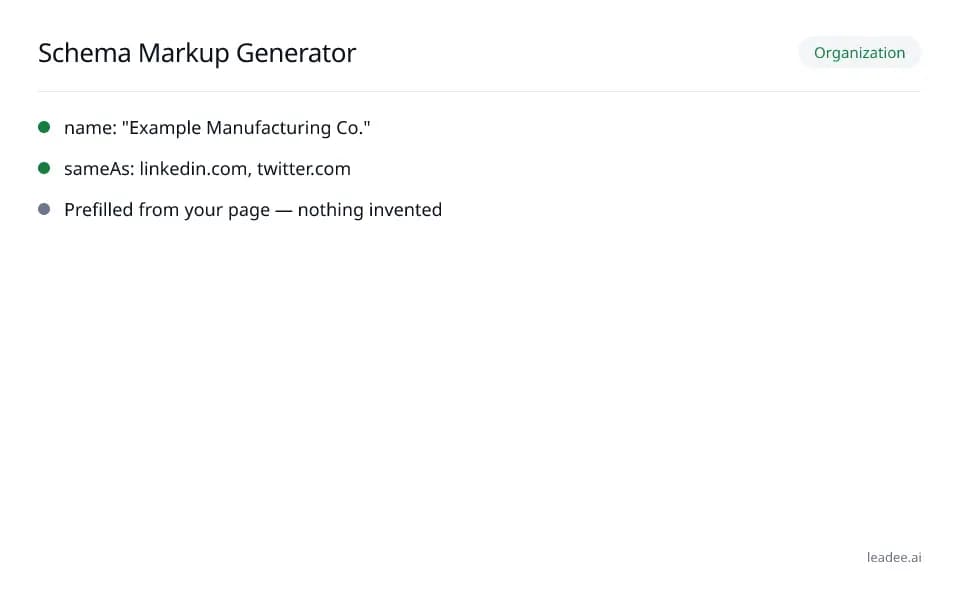
Schema markup generator
 Free tool
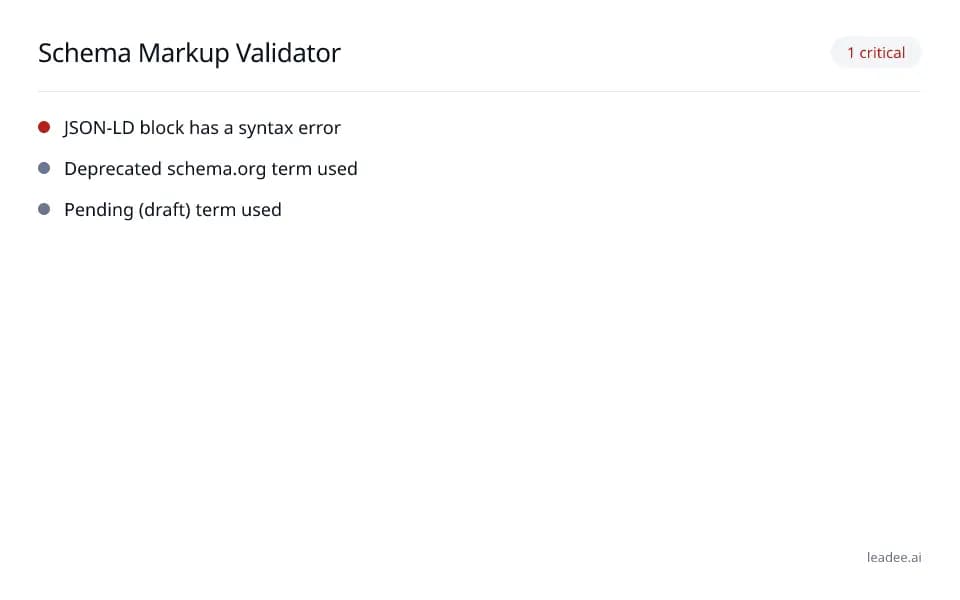
Schema markup validator
 Free tool
Organization schema generator
 Free tool
Local business schema generator
 Free tool
Product schema generator
Find the buyer questions worth answering.
Leadee shows which questions buyers ask AI assistants about your market, so your FAQ answers real demand.