
HowTo schema generator
Type the title of a step-by-step guide and each step as the page shows it, and Leadee writes HowTo JSON-LD. Google no longer shows HowTo rich results: they left mobile in August 2023 and desktop on 13 September 2023. The markup still labels each step for machine readers. Free, no sign-up.
Updated
- No email needed
- Free, no sign-up
HowTo
- Title and 3 steps filled in
- Total time PT20M
- Not shown as a rich result by Google
Example result
Run it now
Start from an example (made-up data, replace with your own)
HowTo
Required
Recommended
Optional
JSON-LD
{
  "@context": "https://schema.org",
  "@type": "HowTo",
  "@id": "https://example.com/#howto"
}At a glance
- 3 items
- What it checks
- 6
- Questions answered
- No email needed
- To get a result
- Can AI read my site?
- Answers
What does it check?
A title and at least one step with a name
A title and at least one step with a name and an instruction
Total time as an ISO 8601 duration, such
Total time as an ISO 8601 duration, such as PT30M
Image as a full https:// address
Image as a full https:// address
What does a result look like?
HowTo
- Title and 3 steps filled in
- Total time PT20M
- Not shown as a rich result by Google
Sample from a real run, 14 Nov 2026.
When should I use HowTo markup?
Install and setup guides
Fitting a part, setting up an account, preparing a file: one task, done in order.
Care and maintenance pages
Steps a customer follows between visits, such as changing a filter.
Not for lists of tips
Ten tips in any order are not steps. Use Article for those pages.
Which fields does HowTo need?
Google no longer documents HowTo, and schema.org makes no property mandatory. The generator treats a title and at least one step as the core, because a HowTo with no steps says nothing.
- Core
name
The guide's title, as shown on the page.
- Core
step
One HowToStep per step, in the order the page lists them.
- Core
step.text
The instruction for that step, word for word. step.name holds its short title.
- Helpful
description
One or two sentences on what the reader will achieve.
- Helpful
image
A photo of the finished result or the main step.
- Helpful
totalTime
ISO 8601 duration, such as PT30M for 30 minutes.
Does Google show HowTo as a rich result?
- Google status
Not shown as a rich result by Google
Google limited HowTo rich results to desktop in August 2023, then stopped showing them on desktop on 13 September 2023 and called the result type deprecated (Search Central blog, updated 14 September 2023). HowTo remains a valid schema.org type.
- Source
Google Search Central
Read on 14 Nov 2026. Google can change this; check the source before you rely on it.
Open Google's page - schema.org
HowTo is a current type
Checked against schema.org release 30.1. Valid markup still helps engines read the page, rich result or not.
What does HowTo markup look like for my industry?
Made-up businesses on example.com addresses. Load any of them into the generator above, then replace every value with your own.
Manufacturing
Fitting a replacement seal kit
Maintenance staff follow the steps on the shop floor. The markup lists the same steps in the same order.
{
  "@context": "https://schema.org",
  "@type": "HowTo",
  "name": "How to fit the PS-40 pump seal kit",
  "step": [
    {
      "@type": "HowToStep",
      "name": "Isolate the pump",
      "text": "Switch off and lock out the power, then close the inlet and outlet valves."
    },
    {
      "@type": "HowToStep",
      "name": "Remove the old seal",
      "text": "Take off the pump cover and slide the old seal off the shaft."
    },
    {
      "@type": "HowToStep",
      "name": "Fit the new seal",
      "text": "Wet the new seal with clean water and push it onto the shaft until it seats."
    }
  ],
  "totalTime": "PT45M",
  "@id": "https://parts.example.com/#howto"
}
B2B services
Uploading documents to a client portal
New clients get a link to this guide in their welcome email. Each step matches a screen in the portal.
{
  "@context": "https://schema.org",
  "@type": "HowTo",
  "name": "How to upload your year-end documents",
  "step": [
    {
      "@type": "HowToStep",
      "name": "Sign in",
      "text": "Open the portal link from your welcome email and sign in."
    },
    {
      "@type": "HowToStep",
      "name": "Choose the year",
      "text": "Pick the financial year from the list at the top of the page."
    },
    {
      "@type": "HowToStep",
      "name": "Upload",
      "text": "Drag your files into the box and press Send."
    }
  ],
  "description": "Send us your records through the secure portal in a few minutes.",
  "@id": "https://accounts.example.com/#howto"
}
Local services
Changing a furnace filter at home
Homeowners do this between service visits. The page and the markup list the same three steps.
{
  "@context": "https://schema.org",
  "@type": "HowTo",
  "name": "How to change your furnace filter",
  "step": [
    {
      "@type": "HowToStep",
      "name": "Turn off the furnace",
      "text": "Set the thermostat to off before you open the filter slot."
    },
    {
      "@type": "HowToStep",
      "name": "Take out the old filter",
      "text": "Slide it out and note the arrow that shows the airflow direction."
    },
    {
      "@type": "HowToStep",
      "name": "Fit the new filter",
      "text": "Slide in a filter of the same size with the arrow pointing the same way."
    }
  ],
  "image": "https://comfort.example.com/guides/filter-change.jpg",
  "totalTime": "PT10M",
  "@id": "https://comfort.example.com/#howto"
}
Print
Exporting a print-ready PDF
Customers read this before they upload artwork. Each step names the export setting the shop needs.
{
  "@context": "https://schema.org",
  "@type": "HowTo",
  "name": "How to export a print-ready PDF with bleed",
  "step": [
    {
      "@type": "HowToStep",
      "name": "Add bleed",
      "text": "Set 3 mm bleed on every edge of the document."
    },
    {
      "@type": "HowToStep",
      "name": "Embed fonts",
      "text": "In the export settings, choose to embed all fonts."
    },
    {
      "@type": "HowToStep",
      "name": "Export",
      "text": "Save as PDF with crop marks and bleed turned on."
    }
  ],
  "totalTime": "PT5M",
  "@id": "https://print.example.com/#howto"
}
Need several types on one page? The full schema markup generator links them with @id.
How do I read and fix the result?
Check that the steps are in the same order as on the page and that none is missing. The markup is only useful if a machine reading it gets the same instructions a person reading the page gets.
Open a page that walks the reader through a task in numbered steps.
Enter the guide's title as the page shows it.
Add one row per step: a short step title and the instruction, word for word.
Add the total time and a photo of the finished result if the page has them.
Paste the block on that page, and edit it whenever you change the steps.
Who is it for?

Manufacturers
Product and spec pages AI engines need to parse correctly.

Professional services firms
Service pages that need clear Organization and entity markup.

B2B suppliers
Catalogue and partner pages AI crawlers must be able to read.
What are the limits?
What are the limits?
Google no longer shows HowTo rich results, so this markup will not change how your Google listing looks. The generator cannot check that the steps are on the page or that they work.
Questions
Does Google still show HowTo rich results?
No. Google limited them to desktop in August 2023, then stopped showing them on desktop on 13 September 2023 and called the result type deprecated. Adding HowTo markup will not add steps under your Google listing.
Then why add HowTo markup at all?
HowTo is still a current schema.org type (release 30.1). It labels the title, each step and its order, so any machine reader can parse the steps without guessing from the layout. No engine promises to use it, so treat it as tidy labelling, not a ranking trick.
Do the steps have to be on the page?
Yes. Markup should describe what a reader can see. Write the steps on the page first, then mark up exactly those steps in the same order.
What is the difference between HowTo and FAQPage?
HowTo is for one task done in order: step one, step two, step three. FAQPage is for separate questions with their own answers. A page can carry both if it has a guide and a Q&A section.
Should every blog post use HowTo?
Only posts that really are a set of steps someone follows. An opinion piece or a news update is an Article. Marking a non-task page as HowTo describes it wrongly.
How do I write total time?
As an ISO 8601 duration: PT20M is 20 minutes, PT1H30M is an hour and a half, P2D is two days. The generator checks the format as you type.
Can GEO guarantee results?
No. AI answer engines change their output frequently, and no vendor — including Leadee — can guarantee a ranking or a mention. Leadee publishes confidence intervals on every metric so you can see how much a result can vary run to run.
How does Leadee measure AI visibility?
Leadee runs your prompt set against each AI engine on a weekly to daily schedule, depending on plan, through official vendor APIs (OpenAI, Gemini, Perplexity, Anthropic, DataForSEO) — never by scraping consumer chat interfaces — and reports mention rate, citation rate, average position, share of voice and sentiment with a 95% confidence interval.
Who do I talk to?
Email support@leadee.ai or use Talk to an expert at https://leadee.ai/contact-sales — the Netbase JSC team behind Leadee replies by email or WhatsApp — or WhatsApp the CEO directly at https://wa.me/84937869689.
Which tools go with this one?
- Free tool
FAQ Schema Generator
Turn the questions already visible on your page into FAQPage JSON-LD. Google no longer shows FAQ rich results; this page says what the markup still does.
Learn more - Free tool
Article Schema Generator
Create Article, BlogPosting or NewsArticle JSON-LD for a post: headline, image, author and dates, checked live against Google's Article guide and schema.org.
Learn more - Free tool
Software Application Schema Generator
Write SoftwareApplication JSON-LD for your app, web app or mobile app: name, price, category and operating system, with Google's rating rule stated plainly.
Learn more - Leadee product
Fix plans
Turn Audit, Tracker and Citation Graph findings into fix tickets — schema, FAQs, briefs — then Leadee re-measures to confirm each one worked.
Learn more
Related
 Free tool
s
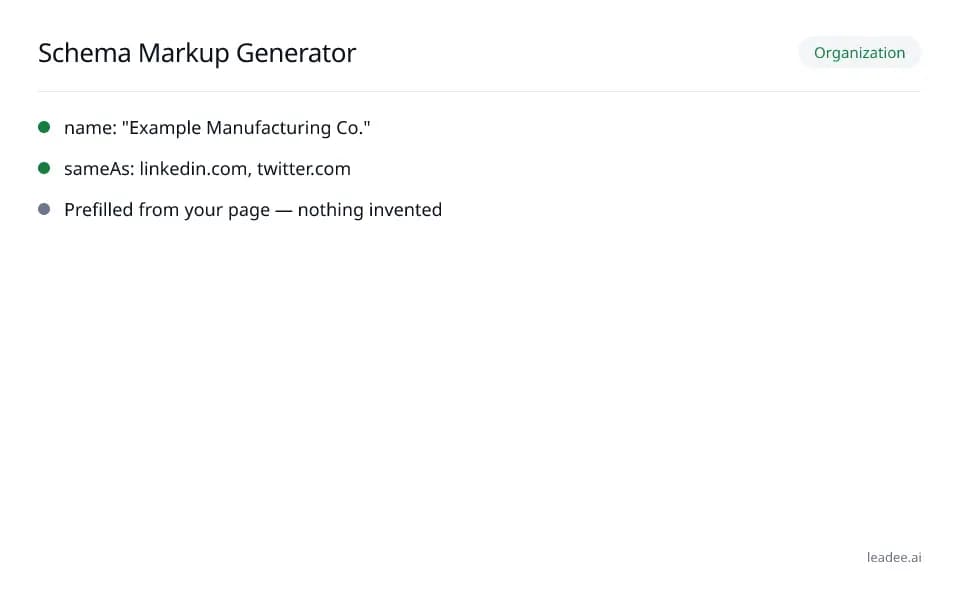 Free tool
Schema markup generator
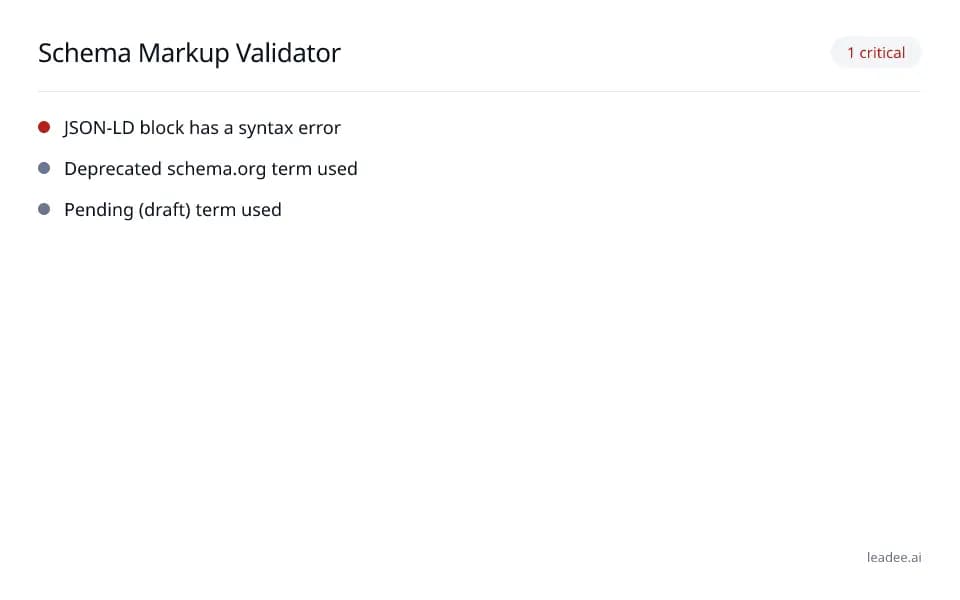 Free tool
Schema markup validator
 Free tool
FAQ schema generator
 Free tool
Article schema generator
 Free tool
Breadcrumb schema generator
Find the how-to questions buyers ask AI.
Leadee shows which task questions people put to AI assistants in your market, so your guides answer real demand.