
ChatGPT schema markup generator
Pick a type and Leadee turns a short form into ready-to-paste JSON-LD, checked live against schema.org and Google's rich-result rules — the same client-side generator as Leadee's general Schema Markup Generator, framed here for readers building structured data so AI engines like ChatGPT have clean facts to read. Not affiliated with or endorsed by OpenAI.
Updated
- No email needed
- Free, no sign-up
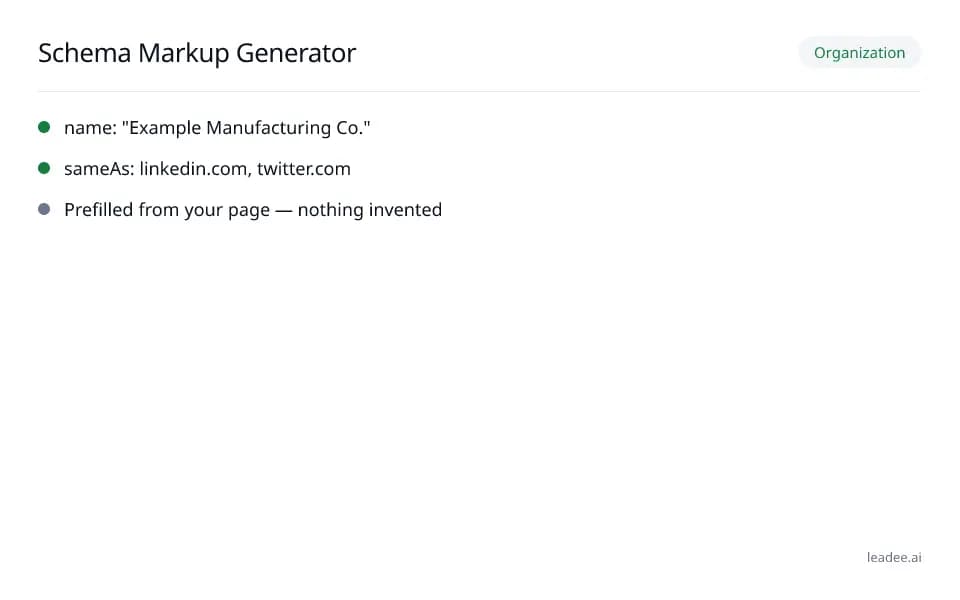
Organization
- name: "Example Manufacturing Co."
- sameAs: linkedin.com, twitter.com
- Prefilled from your page — nothing invented
Example result
Run it now
Leadee is not affiliated with, endorsed by, or sponsored by OpenAI. “ChatGPT”, “GPTBot” and the other names on this page are OpenAI's own, used only to describe what this tool measures.
JSON-LD
Pick a type on the left to start.
At a glance
- 3 items
- What it checks
- 4
- Questions answered
- No email needed
- To get a result
- Can AI read my site?
- Answers
What does it check?
A ready-to-paste JSON-LD block for
A ready-to-paste JSON-LD block for Organization, LocalBusiness, Product, FAQ and 9 more types
Every field, checked live against
Every field, checked live against schema.org and Google's rich-result rules as you type
An optional @graph linking several types
An optional @graph linking several types together with a shared @id
What does a result look like?
Organization
- name: "Example Manufacturing Co."
- sameAs: linkedin.com, twitter.com
- Prefilled from your page — nothing invented
Sample from a real run, 10 Nov 2026.
How do I read and fix the result?
Fill in every required field first; add the recommended fields next since those carry the most context for any machine reader, not just a search engine.
Pick a schema.org type (Organization, LocalBusiness, Product, FAQ and 8 more).
Optionally prefill the form from an existing page — Leadee reads what is already there, it never guesses.
Fill in the required and recommended fields; each is checked live.
Copy the JSON-LD and paste it into your site's <head>.
Who is it for?

Manufacturers
Product and spec pages AI engines need to parse correctly.

Professional services firms
Service pages that need clear Organization and entity markup.

B2B suppliers
Catalogue and partner pages AI crawlers must be able to read.
What are the limits?
What are the limits?
OpenAI has not published which schema.org types, if any, ChatGPT itself reads or prioritizes — this page does not claim any one type is specifically used by ChatGPT; the generator's "Rich result"/"Limited" badges reflect Google's own documented rich-result rules only.
Questions
Is this tool affiliated with or endorsed by OpenAI?
No. Leadee is not affiliated with, endorsed by, or sponsored by OpenAI. "ChatGPT" is used only to describe the kind of AI reading this generator supports.
Does ChatGPT use one schema.org type more than another?
OpenAI has not documented that, so this tool makes no such claim. Organization (name, logo, sameAs) is still the most broadly useful starting type for any AI reader resolving who you are, which is why it is the generator's default.
Is the generator itself any different from the general one?
No — same form, same generator engine, same live validation; only this page's copy and FAQ are framed around AI reading rather than Google Search rich results.
Where do I paste the generated JSON-LD?
Inside your page's <head>: WordPress (your SEO plugin's custom-schema box), Shopify (theme.liquid before </head>), Wix (Custom code under SEO settings) or Webflow (page settings -> Custom code).
Can GEO guarantee results?
No. AI answer engines change their output frequently, and no vendor — including Leadee — can guarantee a ranking or a mention. Leadee publishes confidence intervals on every metric so you can see how much a result can vary run to run.
How does Leadee measure AI visibility?
Leadee runs your prompt set against each AI engine on a weekly to daily schedule, depending on plan, through official vendor APIs (OpenAI, Gemini, Perplexity, Anthropic, DataForSEO) — never by scraping consumer chat interfaces — and reports mention rate, citation rate, average position, share of voice and sentiment with a 95% confidence interval.
Who do I talk to?
Email support@leadee.ai or use Talk to an expert at https://leadee.ai/contact-sales — the Netbase JSC team behind Leadee replies by email or WhatsApp — or WhatsApp the CEO directly at https://wa.me/84937869689.
Related
 Free tool
s
 Platform guide
ChatGPT SEO: How ChatGPT Finds and Recommends Brands
 Free tool
Schema markup generator
 Free tool
ChatGPT schema markup validator
 Free tool
Schema Markup for B2B Sites
 Service
Pricing
Build structured data across your whole site.
Sign up to generate and monitor schema markup for every page, not just one.